
Growth & Conversion 4 min read
Imagine this: A customer walks into your store, picks up your best-selling product, heads to the counter, and then… just walks away. Frustrating, right?
In the digital world, this happens every day. In fact, nearly 70% of online shopping carts are abandoned. If you are a store owner, you need a solid strategy for Shopify abandoned cart recovery to stop losing this massive chunk of revenue.
Traditionally, brands have relied on Email Marketing to win these customers back. But let’s be honest—how often do you check your "Promotions" tab? With email open rates dropping below 20%, it’s time for a smarter solution: WhatsApp marketing automation.
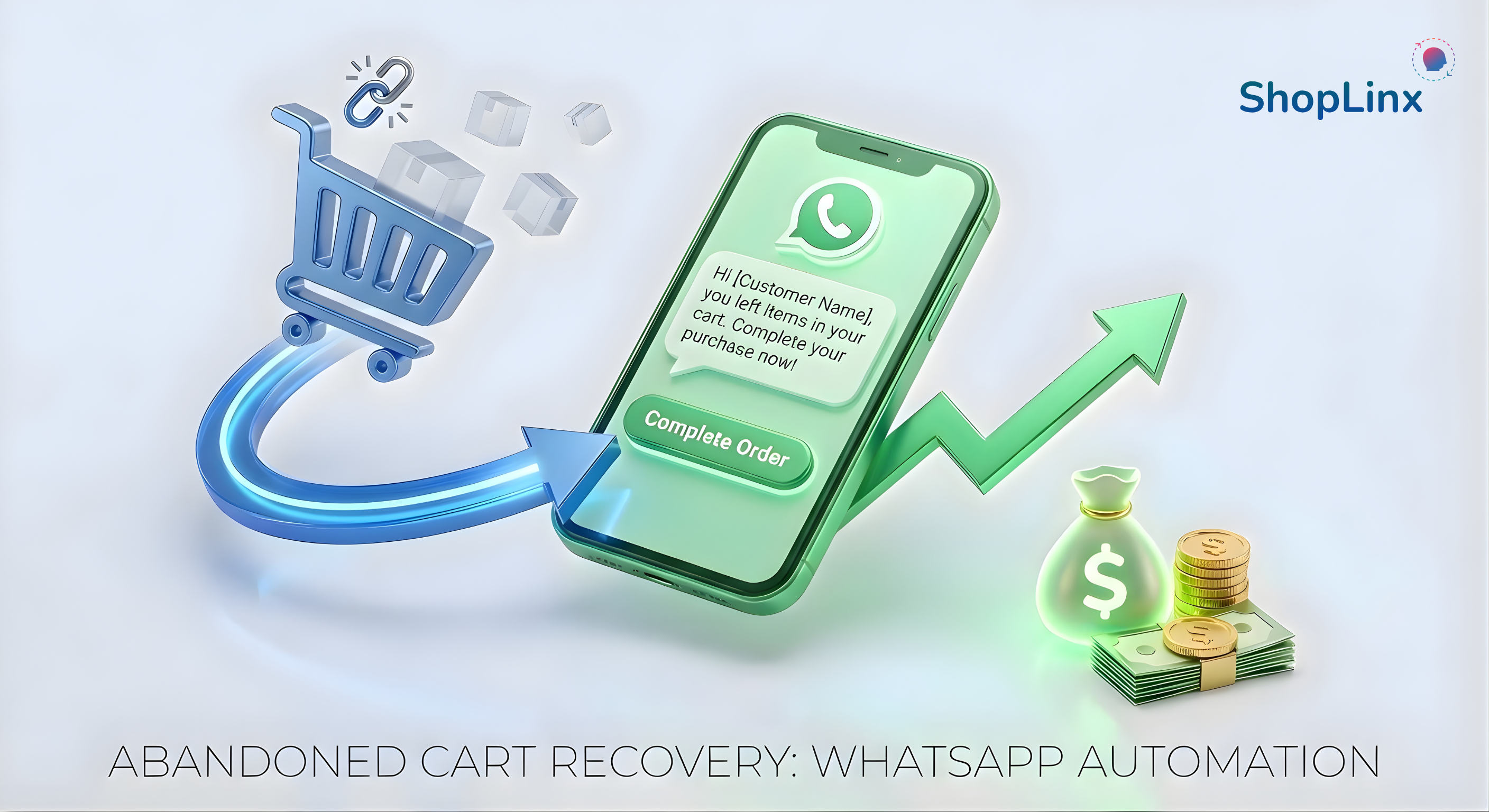
With a 98% open rate and instant visibility, WhatsApp is the ultimate tool for recovering lost sales. In this guide, we’ll show you exactly how to turn those "almost customers" into paying buyers using ShopLinx.
Tags
If you are selling in India, the USA, or the UK, speed is everything. Here is why WhatsApp wins:
Managing WhatsApp messages manually is impossible as you scale. This is where ShopLinx steps in.
Unlike generic tools, ShopLinx offers a seamless Shopify WhatsApp integration specifically designed for D2C brands. It automatically syncs with your store inventory and detects when a user leaves the checkout process.
Here is how the workflow looks:
Not sure what to say? Here are templates that work:
"Hi [First Name], we noticed you left something behind! 👀 We’ve saved your cart for you. Click here to checkout: [Checkout Link]"
"Hey [First Name], still thinking about it? Take 5% OFF your order if you complete it today! Use code: SAVE5. Grab it here: [Checkout Link]"
"Hi [First Name], did you face any issues while checking out? Reply to this message if you have questions about the product. We are here to help! 👇 [Checkout Link]"
Your traffic is expensive. You worked hard to get people to your site. Don't let them slip away at the last second.
By using a tool like ShopLinx to automate your follow-ups, you can improve customer experience and significantly increase Shopify sales. It’s like having a sales assistant who works 24/7.
Here are the most common questions entrepreneurs ask about selling without a traditional website.
WhatsApp has a 98% open rate compared to email's 20%. Since messages appear directly on the customer's lock screen and are usually read within 3 minutes, WhatsApp creates a sense of urgency and convenience, leading to significantly higher recovery rates for D2C brands.
ShopLinx seamlessly integrates with your Shopify store to track when a customer leaves without paying. It triggers an automated workflow: first waiting for a set time (e.g., 1 hour), and then sending a personalized WhatsApp message with the product image and a direct checkout link to recover the sale.
For best results, use a mix of strategies. Send a "Friendly Reminder" after 1 hour, a "Discount Nudge" (e.g., 5% off) after 24 hours, or a "Support Message" asking if they faced any technical issues. ShopLinx provides pre-built, high-converting templates for these scenarios.
Yes, as long as you follow WhatsApp's policies. ShopLinx ensures your messages are compliant and personalized. Unlike spammy bulk messages, these are transactional updates triggered by the user's action (adding to cart), making them relevant and helpful to the shopper.