Login with Facebook, select your Business Page, and manage all Messenger chats & comments inside Shoplinx.
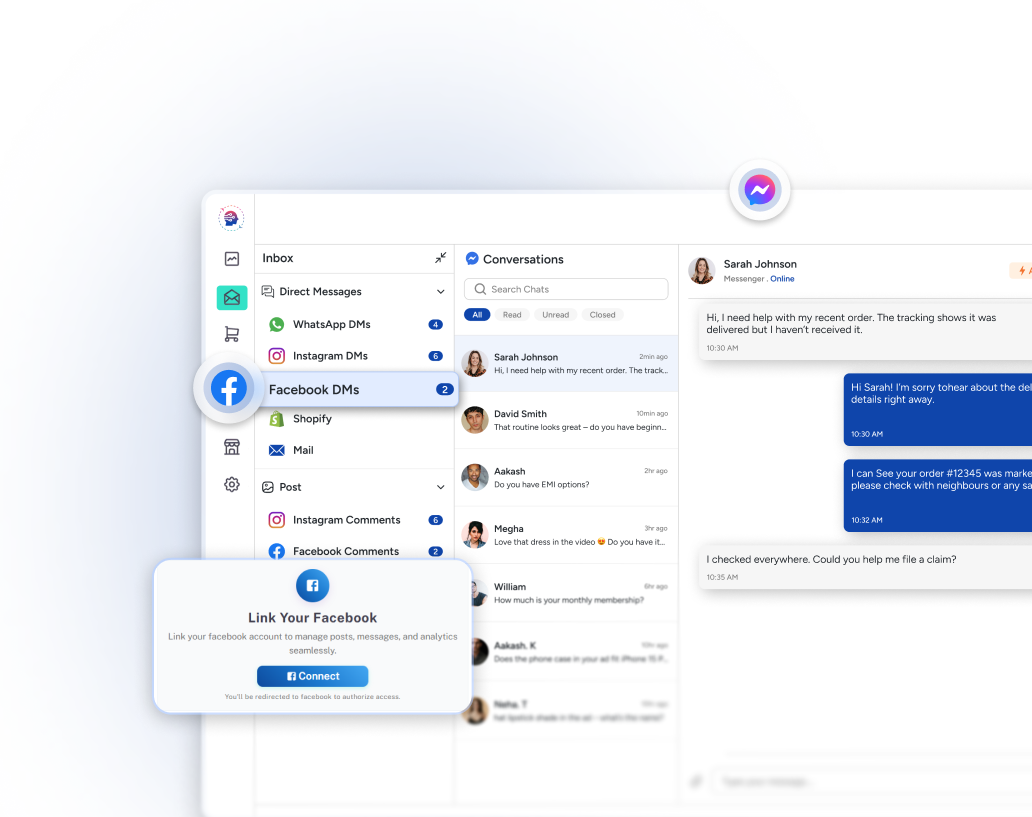
Easily integrate with Facebook to streamline your business communications.
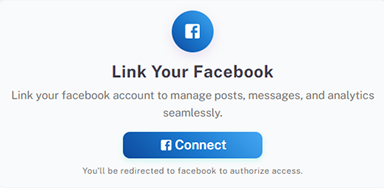
Click Login with Facebook and securely sign in to your account
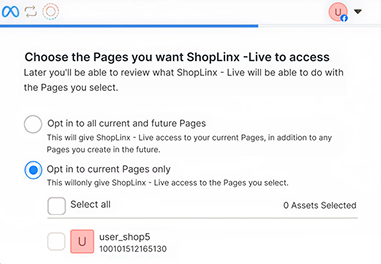
Select the Business Page you want to connect. (Repeat the process for each Page you want to add.)
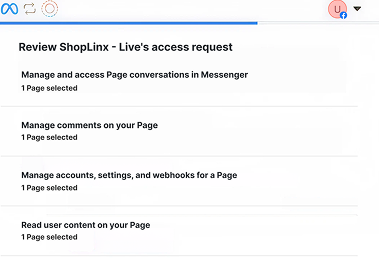
Allow Shoplinx access to Messenger messages and Page comments. You stay in full control of the permissions you provide
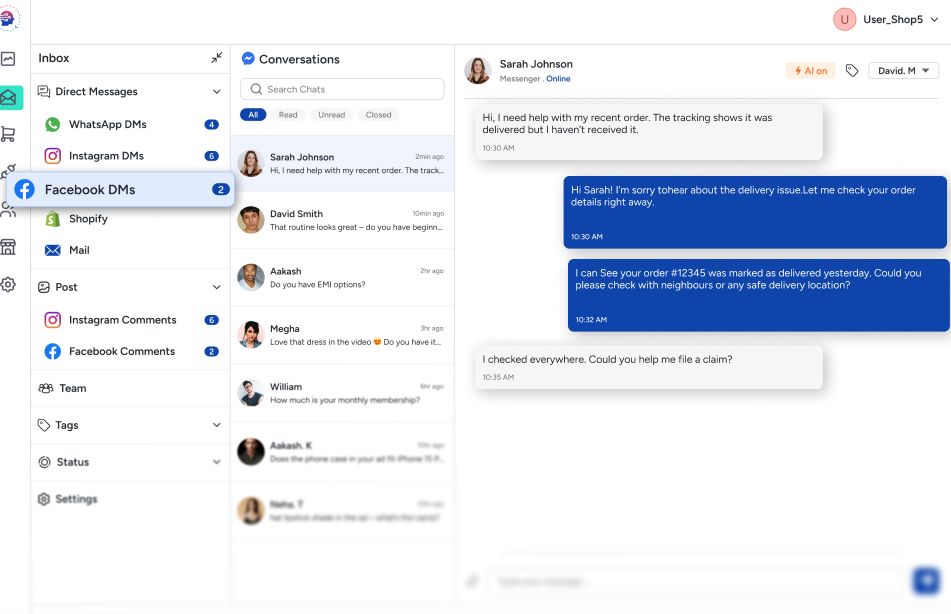
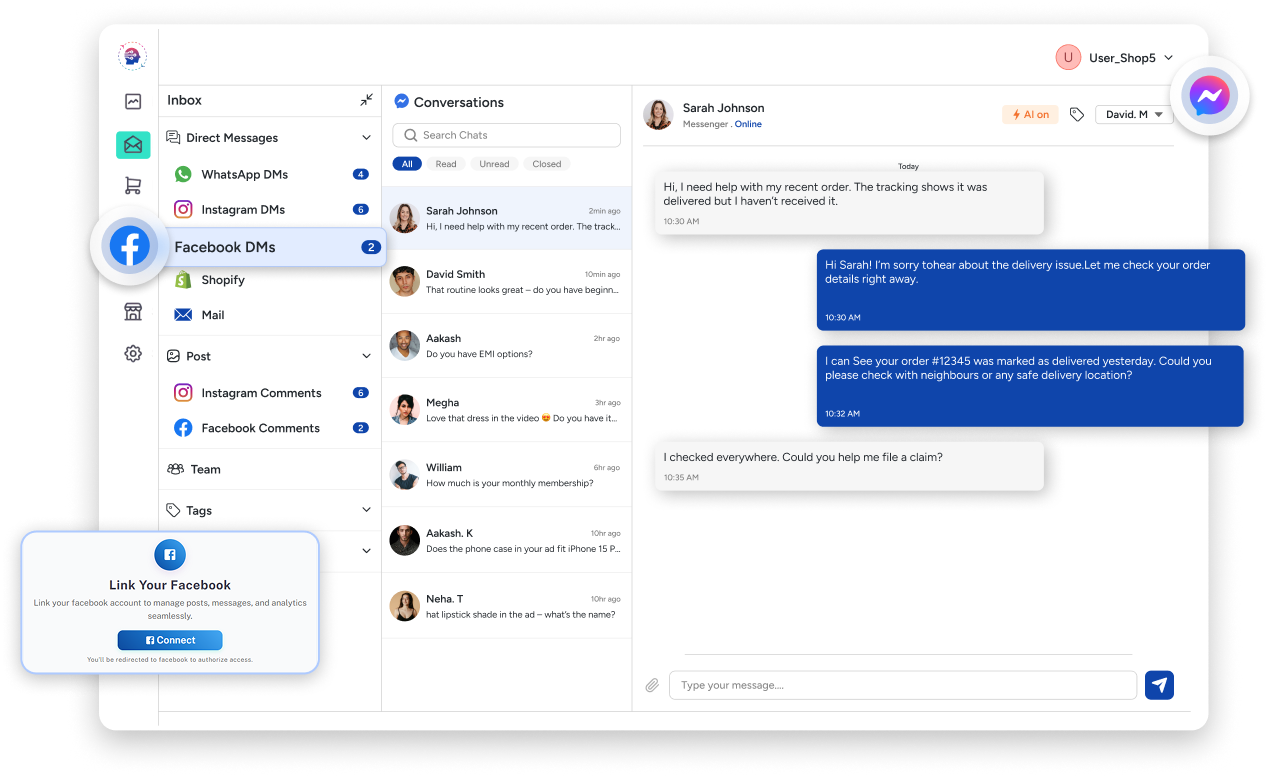
Once connected, all chats and comments from that Page appear in your Shoplinx inbox. Reply instantly without switching tabs.
Manage your Facebook Pages like a pro-boost engagement, save time, and never miss a message.
View Messenger chats and comments in one place-no tab-switching.
Connect multiple Facebook Pages under one Shoplinx account.
Reply instantly to messages and comments-right when it matters.
Stay in the loop and manage all interactions effortlessly.
Uses Facebook’s official OAuth-no need to share your password.
Manage Messenger and comments from all your Pages—right inside Shoplinx. It’s fast, focused, and built for real conversations.
Automate replies, streamline your inbox, and grow effortlessly.